
Imagen Watermark Remover
Remove Google Imagen 3 sparkle watermarks from 4K artwork and photos. Reverse linear alpha unblending recovers genuine pixels with zero smudging.
Upload or drag your Gemini Image or Veo Video
Free Gemini watermark remover & Gemini video watermark remover • Supports PNG, JPG, WebP, MP4, WebM, MOV • Paste with Ctrl+V
Understanding Google Imagen 3 Watermarking
Google's state-of-the-art text-to-image model, Imagen 3, generates photorealistic imagery with incredible detail. However, every exported image has a semi-transparent 4-point sparkle watermark applied to the lower-right corner.
Because the watermark is semi-transparent rather than solid white, light from the background scene passes through it. Our tool solves the compositing equation in reverse:
OriginalRGB = (WatermarkedRGB − LogoRGB × Alpha) / (1 − Alpha)This pixel-exact mathematical restoration preserves the authentic colors, sharp focal planes, and complex textures of your Imagen 3 creations without the blurred artifacts typical of traditional clone-stamp tools.
✓ Imagen Watermark Remover
- • Exact mathematical reversal of alpha channel
- • Preserves native camera grain and skin textures
- • Client-side browser execution in milliseconds
- • No accounts, credit cards, or limits
✕ Typical Online Cleaners
- • Heavy neural inpainting introduces smudges
- • Cloud uploads compromise creative privacy
- • Free tiers downscale images to 720p
- • Slow processing with queue wait times
Before & After: Gemini Watermark & Logo Remover
Instead of blurry AI inpainting, our Gemini logo remover uses exact mathematical alpha unblending to subtract the transparent Gemini watermark mask pixel-by-pixel—restoring 100% of your original image quality.

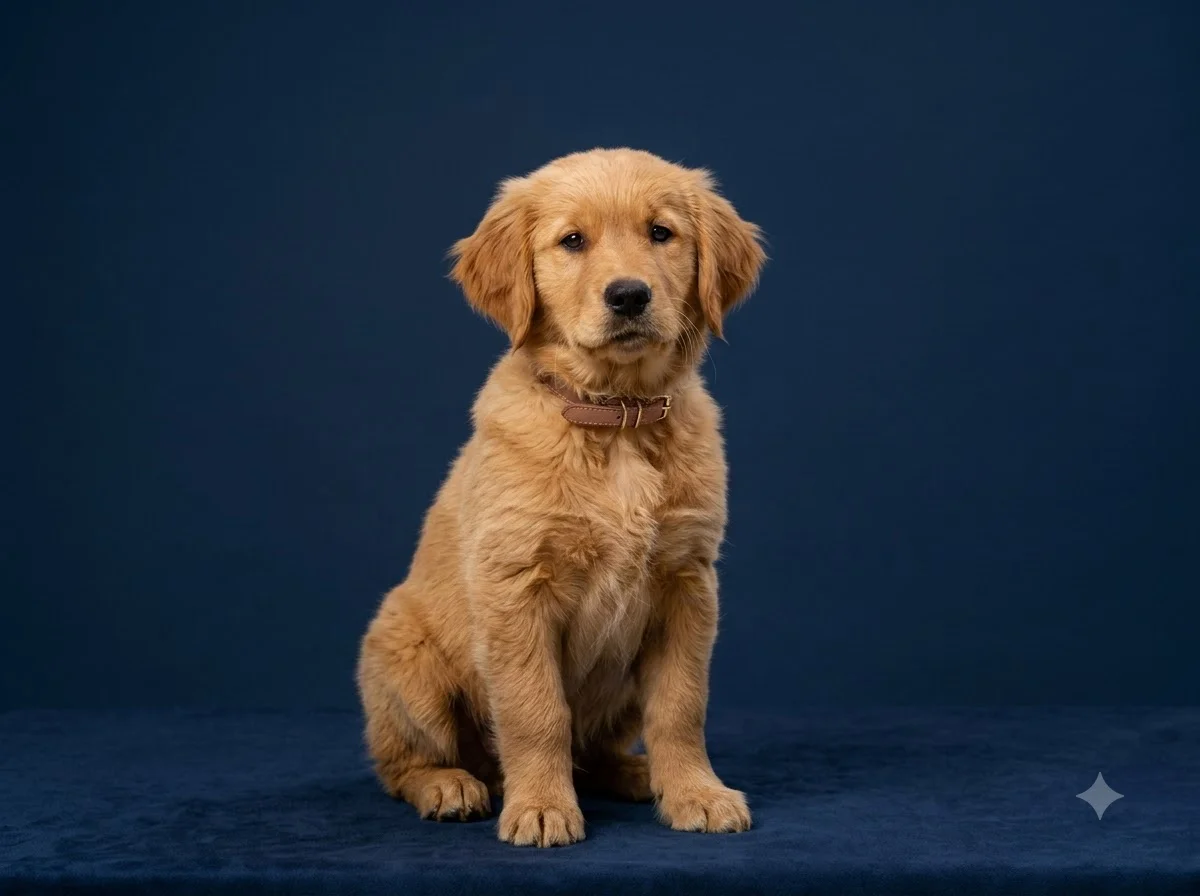
← Drag slider to compare →
Imagen Watermark Remover — Frequently Asked Questions
Does this tool support Google Imagen 3 high-resolution 4K images?
Yes! Imagen Watermark Remover supports images up to 4K and 8K resolutions. Because processing runs in high-performance HTML5 Canvas, high-resolution textures are unblended without downsampling or compression loss.
How does Imagen 3 apply its watermark?
Google Imagen 3 composites a 4-point sparkle watermark in the bottom-right corner at approximately 60% opacity. The underlying pixels remain embedded in the image RGB data, enabling our inverse formula to recover them losslessly.
Why is mathematical unblending superior to AI inpainting for Imagen 3 art?
Generative inpainting destroys the original pixels and replaces them with an AI-generated guess, causing visible smudges and blur. Mathematical unblending reverses the exact compositing formula, recovering the true original pixels that exist beneath the transparency layer.
What image formats are supported for Imagen 3?
PNG, JPG, and WebP are fully supported. We recommend PNG for lossless output quality.